
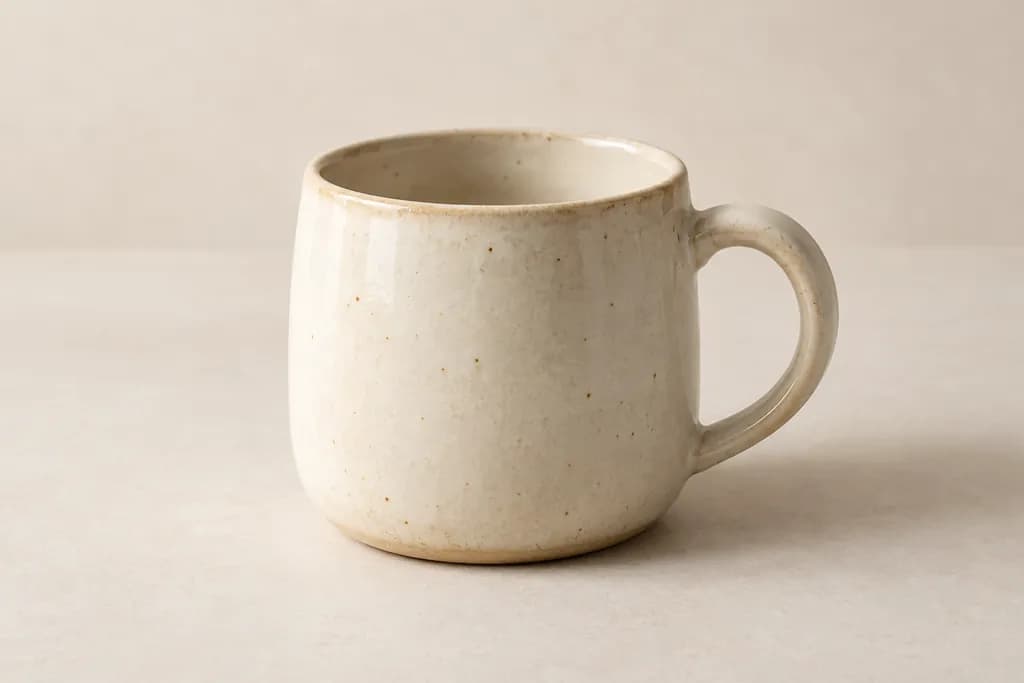
The shopper adds one mug once. The cart shows two. First rule out an existing item, a selected quantity of two or an intentional bundle before diagnosing a duplicate add.
How ShopPath helps.
ShopPath records cart checkpoints and shopping actions. Its separate screenshot analysis can flag an unexpected quantity or duplicate line when the captured sequence supports the comparison.
- Evidence your team can review
- Review the initial cart, selected product and post-add cart together rather than treating a badge count as proof.
- A concrete next step
- Give your developer the before-and-after evidence, then compare another run after the suspected integration is corrected.
Intentional bundles and recorded extra adds must be accounted for. An intermittent duplication may not occur in every run.
A reported, intermittent merchant issue
A June 2026 Shopify discussion reports quantities doubling on some add actions. A respondent described duplicate form initialization as a possible cause. Reproduction varied; the thread does not establish the cause or prevalence on other stores.
Count the action and the result.
- 01
Start with a known cart.
Use an empty cart on your authorized store. Record the selected quantity and any visible bundle or gift rule.
- 02
Add once and wait.
Capture the first result without clicking again. Compare the item quantity with the selection and previous cart state.
- 03
Hand over the sequence.
Give your developer the product, option, starting state and action sequence. They can investigate duplicate handlers or app interactions.
After the fix, repeat it.
After the fix, repeat one add from an empty cart and one intentional second add. Each visible quantity change should have an explained action.
Check your own storefront.
Use a store you own or are authorized to test. Journeys stop at checkout entry, before submitting customer details or payment. Testing begins after approval.
Coverage and limits